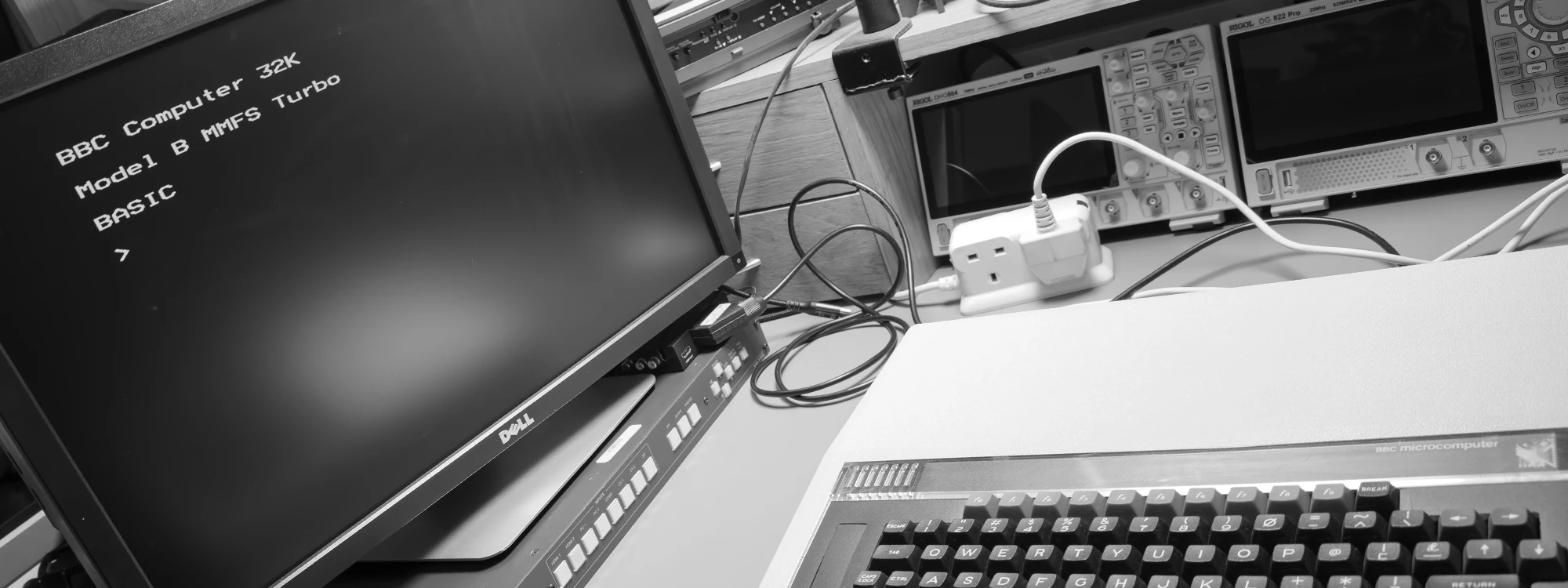
For many years, my brother and I have collected vintage computers and related equipment, which we are now documenting on Andrew’s blog at andrewdorey.com.
One challenge with older computers is capturing their video output. Most of them use analogue formats such as RF (TV), VGA, component, composite or S-Video, so the signal needs converting to digital before it can be connected to an HDMI monitor or a capture device on a modern computer.
I have tried several low-cost USB converters that claim to support RCA and S-Video input. They often only handle a very limited range of resolutions and rarely work with old computers. They seem better suited to converting analogue video sources such as camcorders or VHS players.
Capturing analogue TV signals is even harder now. Nobody makes new hardware for these signals, which have not been broadcast in the UK since 2012.
Older PC capture cards are another option, but they are often only supported on 32-bit operating systems and need motherboards with legacy PCI slots.
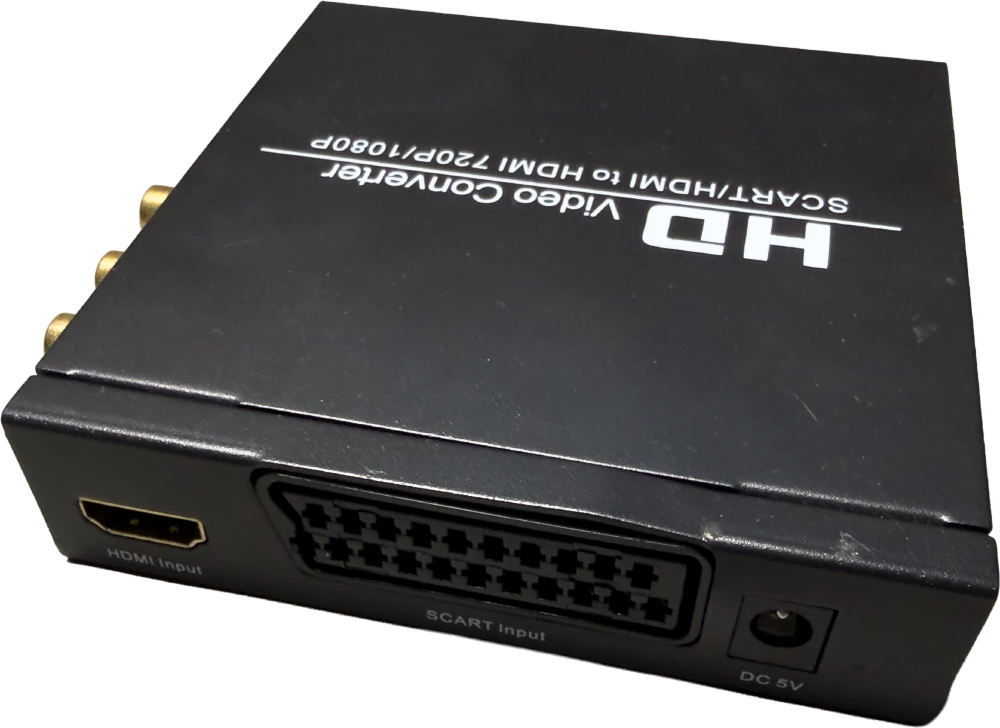
SCART to HDMI converters
We use an ELEPHAS SCART to HDMI converter, which turns analogue SCART signals from older devices into a digital 720p or 1080p HDMI output.
It supports 480i, 480p, 576i, 720p and 1080i input, and outputs either 720p or 1080p at 50 or 60Hz.
We originally connected this to an Elgato Cam Link 4K, but the Cam Link often struggled when the video format or refresh rate changed.
Capturing and converting analogue TV
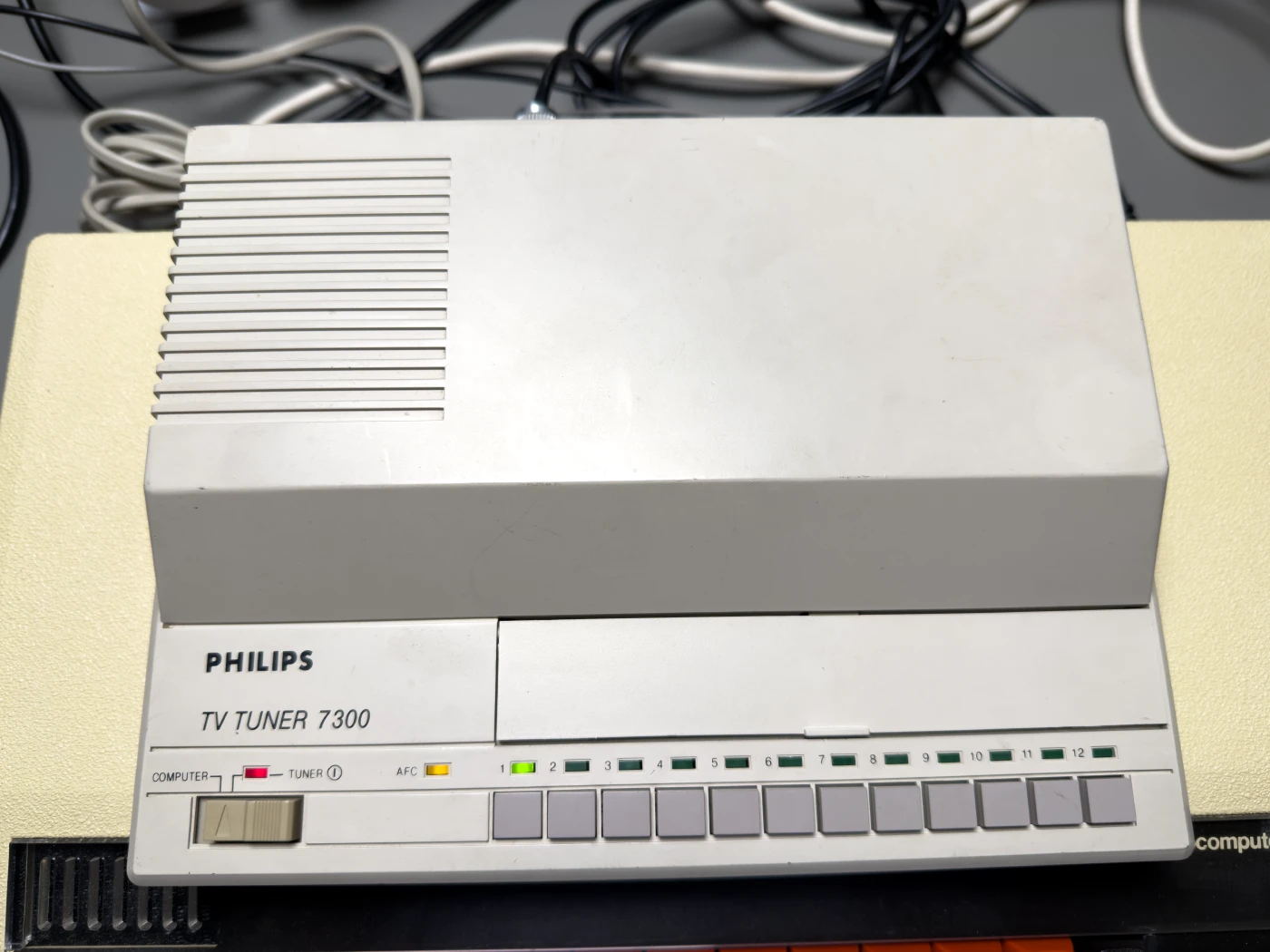
With so few options for decoding analogue TV signals on a computer, we found a Philips 7300 TV tuner, launched in 1987. It takes an analogue RF input and converts the signal into composite video and audio, which can then be connected to a capture device or upscaler.
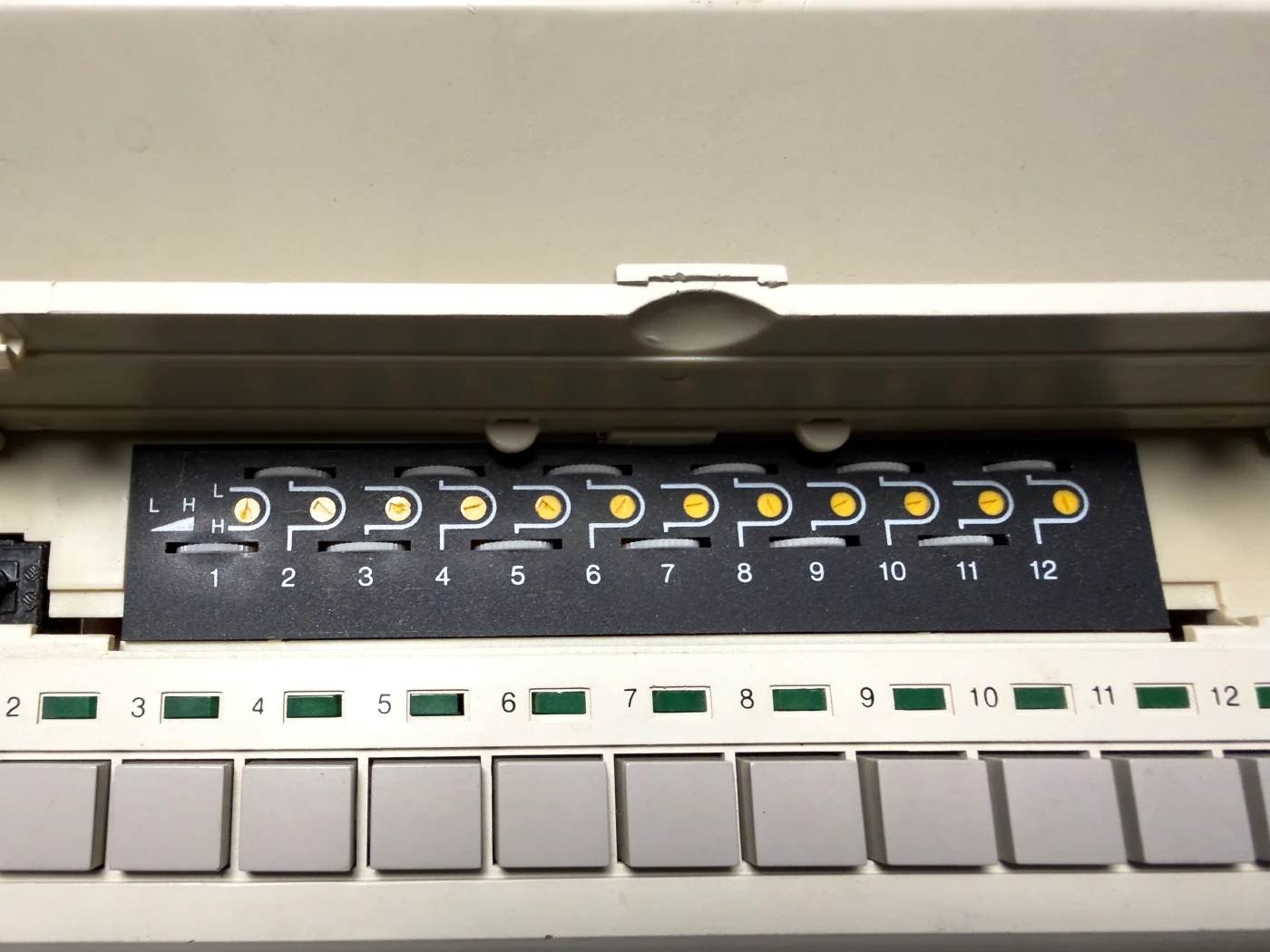
It has twelve individual tuners with selection buttons, so you can assign a different “station” or device to each button and easily switch between them.
Kramer VP-770 8-input presentation switcher and scaler
We looked at many options for an upscaler to give us a clean HDMI output, and eventually found a Kramer VP-770 8-input ProScale presentation switcher/scaler on eBay for only £75.
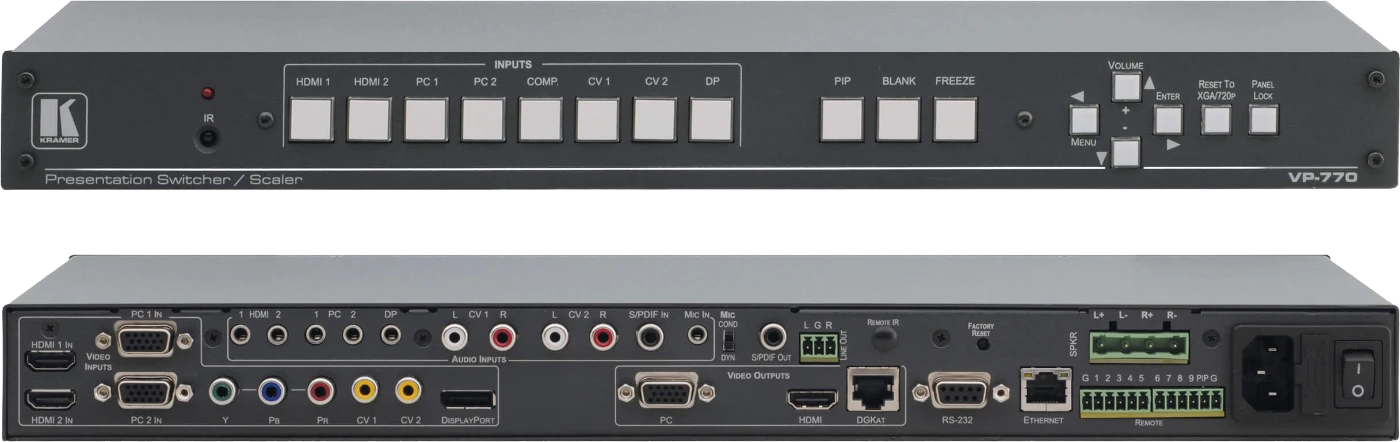
These units originally cost over £1,500. They were designed for large commercial AV installations and fit a 19-inch rack.
Specs and Manual Links
Video inputs:
- 1 component (Y, Pb, Pr) on RCA connectors
- 1 DisplayPort
- 2 computer graphics (VGA) on 15-pin HD connectors
- 2 composite video on RCA connectors
- 2 HDMI
Scaled video outputs:
- HDMI
- Computer graphics (VGA) on a 15-pin HD connector
- DGKat twisted pair on an RJ-45 connector
Audio inputs:
- 2 HDMI
- 2 computer graphics (3.5mm mini jack)
- 1 DisplayPort
- 1 microphone (3.5mm mini jack)
- 2 composite video audio (RCA)
- 1 S/PDIF (RCA)
Audio outputs:
- 1 S/PDIF on an RCA connector
- 1 unbalanced stereo output on a 3-pin terminal block
- 2 × 10W built-in power amplifier with speaker outputs on terminal blocks
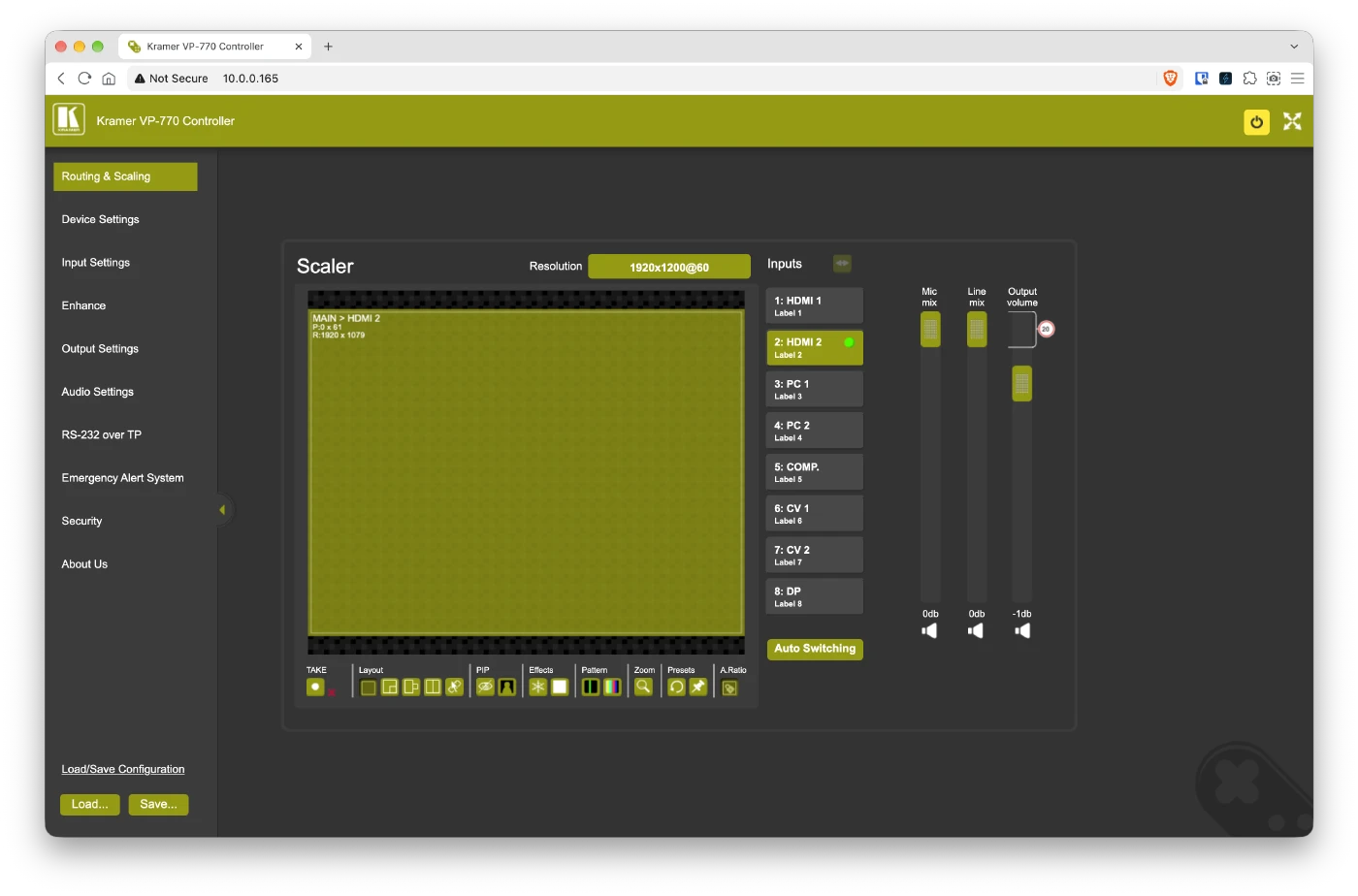
The VP-770 can be controlled from the front-panel buttons using the on-screen display (OSD), from a computer over RS-232, or over the network using its built-in web interface.
The web interface is by far the easiest way to switch inputs and adjust its many settings. The RS-232 and Ethernet ports can also be used to update the firmware.
We have the VP-770’s HDMI output connected to a 24 inch Dell monitor so we can see the picture on the workbench.
Connecting and capturing video on the computer
The workbench is several metres from the capture computer. We first considered running a long HDMI cable with a splitter, but instead found a Kramer PT-572+, a compact receiver that converts the VP-770’s DGKat twisted-pair signal back into HDMI over a standard screened network cable.
We bought it on eBay for £20, and when it arrived it was brand new and still sealed.
We made a fully screened cable using some CAT 7 cable we had from a previous network cable project to connect the devices.
The PT-572+ HDMI output is connected to an Elgato Cam Link 4K, which supports the following resolutions:
- 4K30
- 1080p60
- 1080p30
- 720p60
- 720p30
- 576p50
- 480p60
The Cam Link connects to the computer over USB, and we use OBS to capture and record the video.
Testing with older computers and consoles
BBC Micro
In 2024 we bought an early-1980s BBC Micro and have been restoring and upgrading it since.
The BBC Micro has an RGB video output on a 6-pin DIN connector, a composite video output and an RF output.
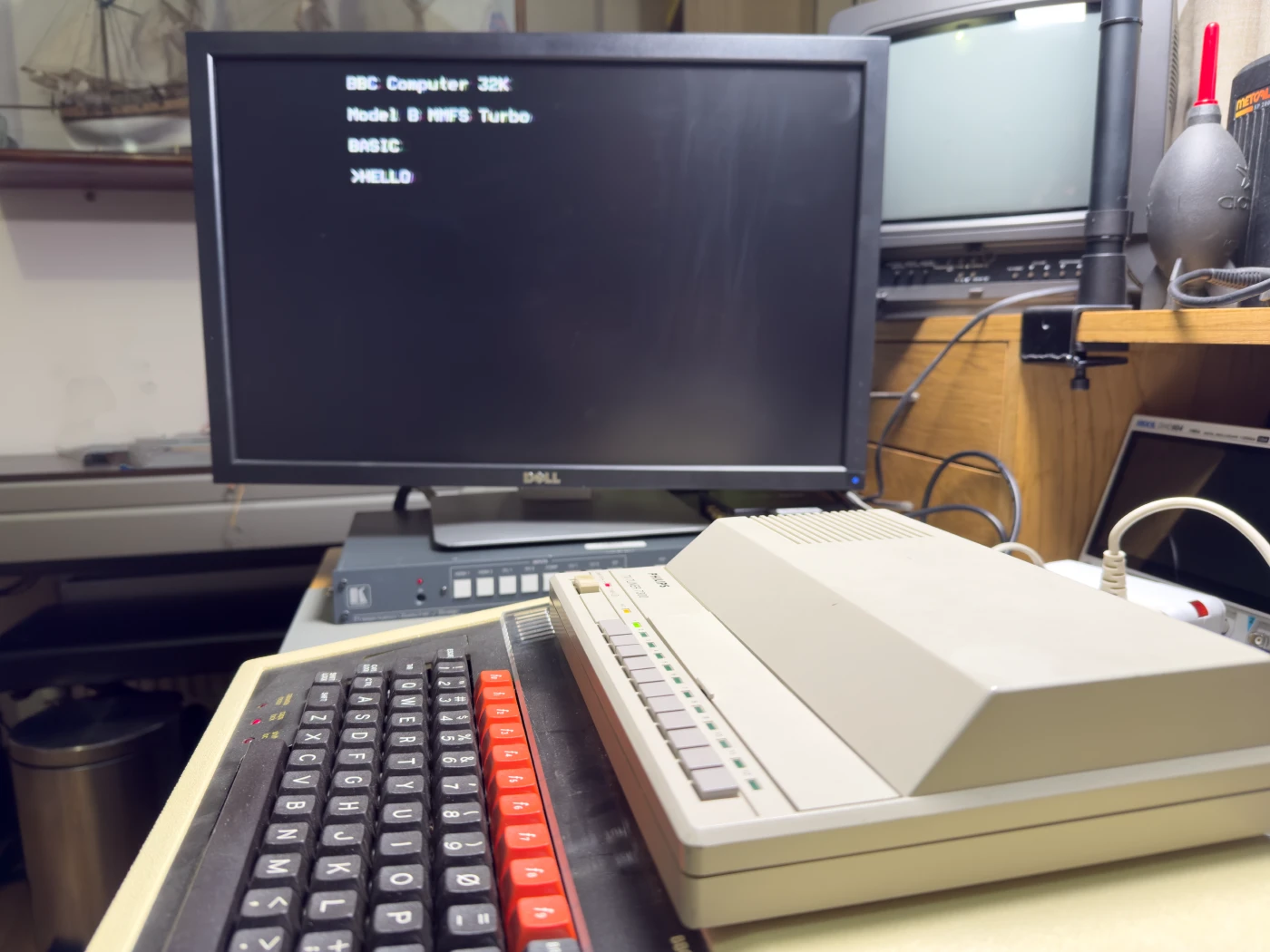
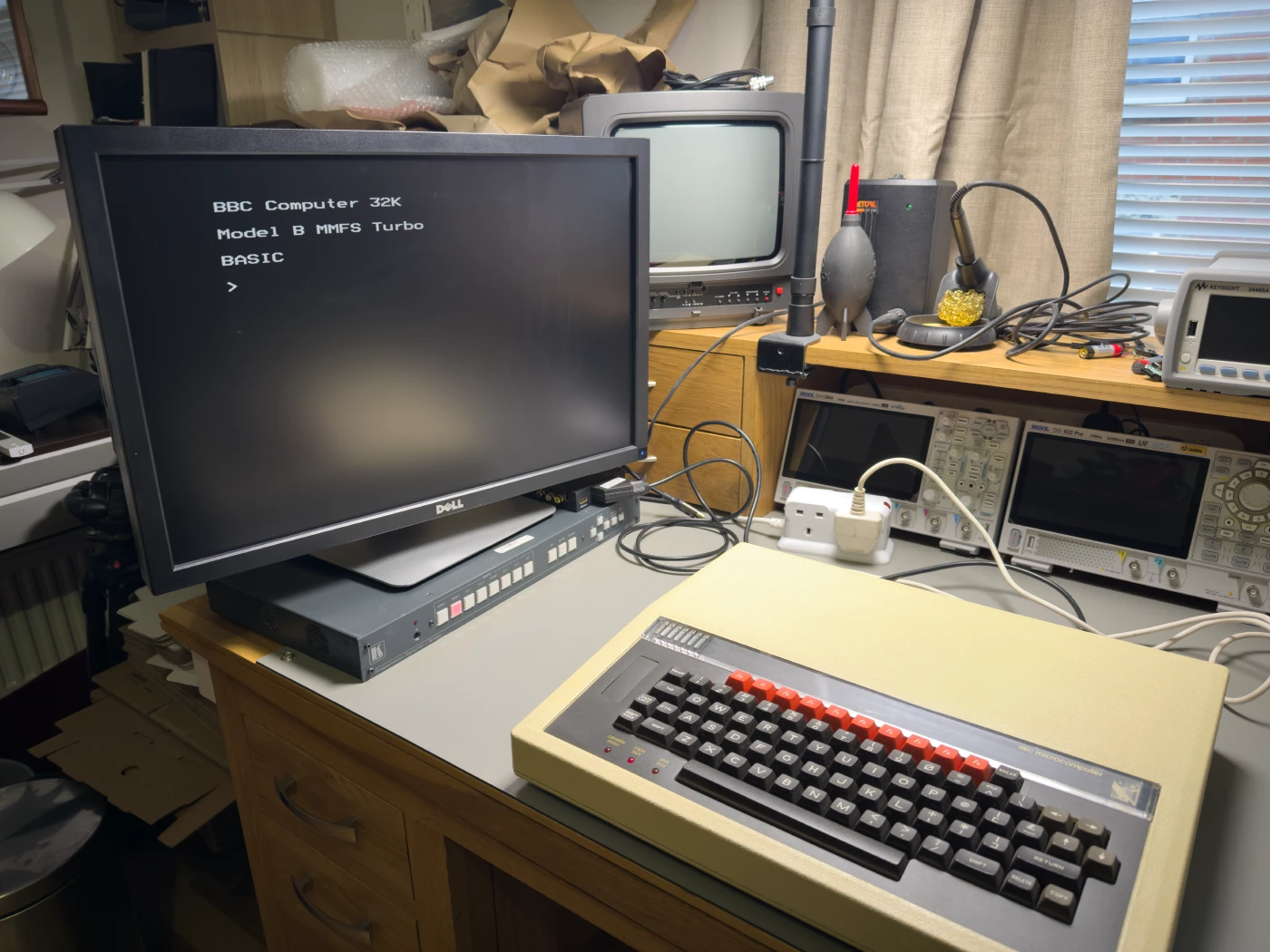
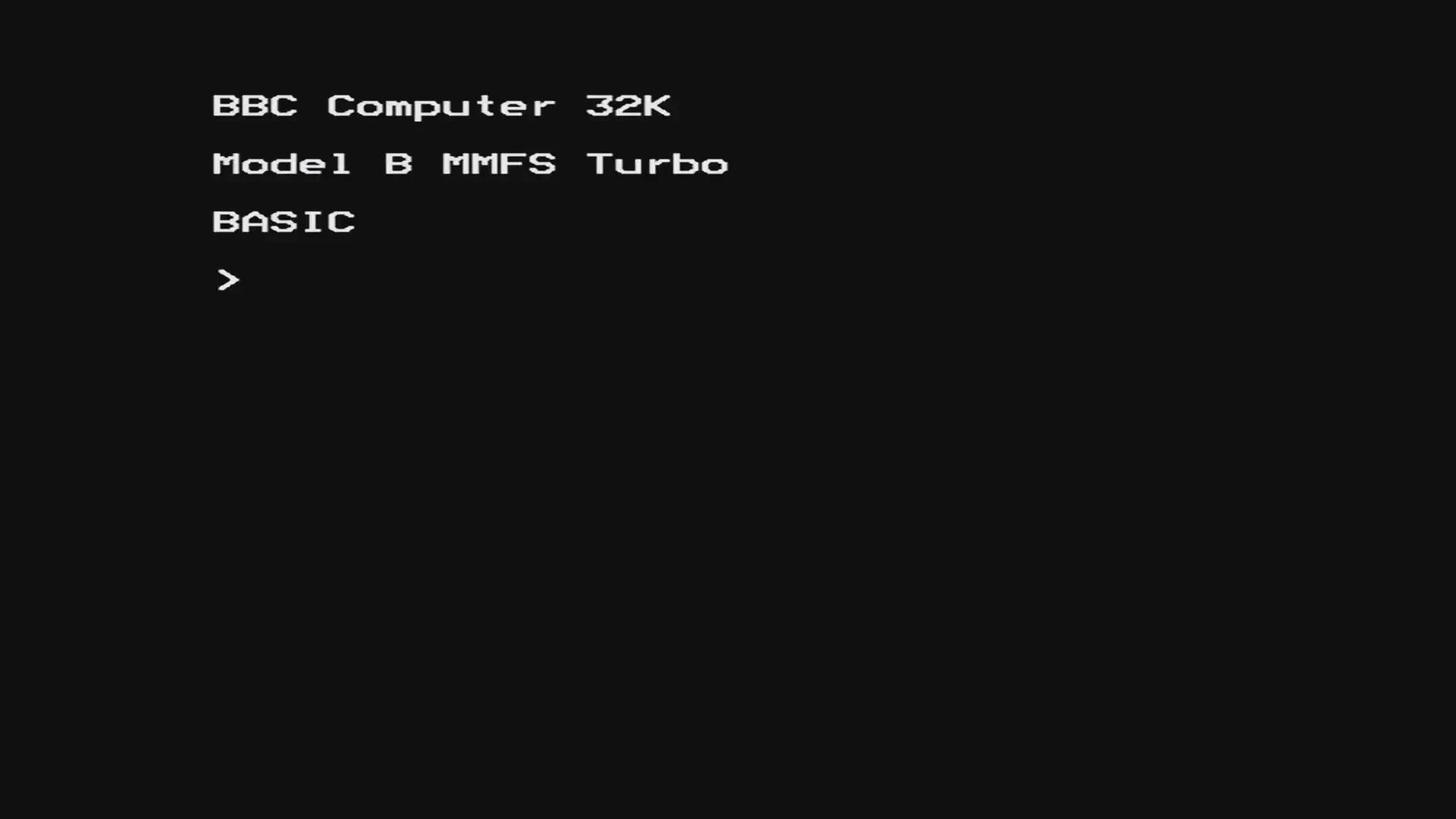
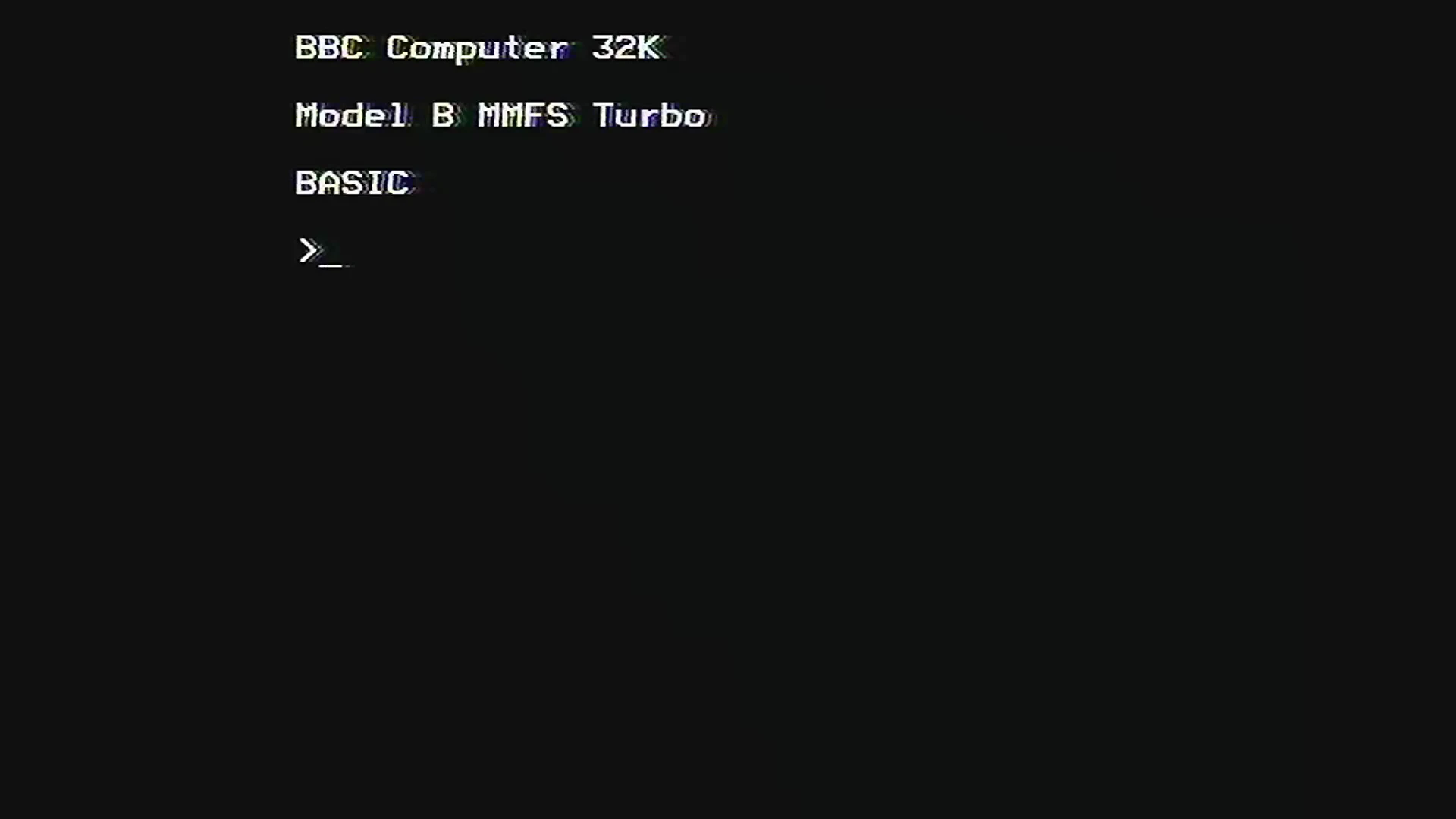
Connected via the RGB output to the SCART to HDMI converter and then into the Kramer VP-770, it gives a nice crisp picture.
Using the RF output through the Philips 7300 tuner into the VP-770’s composite input gives a noticeably softer image, with slight fringing on the text, but it is still perfectly usable.
The photos below show the difference between the two methods.
Apple Macintosh LC (M0350)
Using a Mac DB-15 to VGA adapter, we connected our Apple Macintosh LC to the VP-770’s VGA input, and it works with every resolution the LC supports. You can see how the adapter was built at andrewdorey.com/post/apple-macintosh-lc-repair.
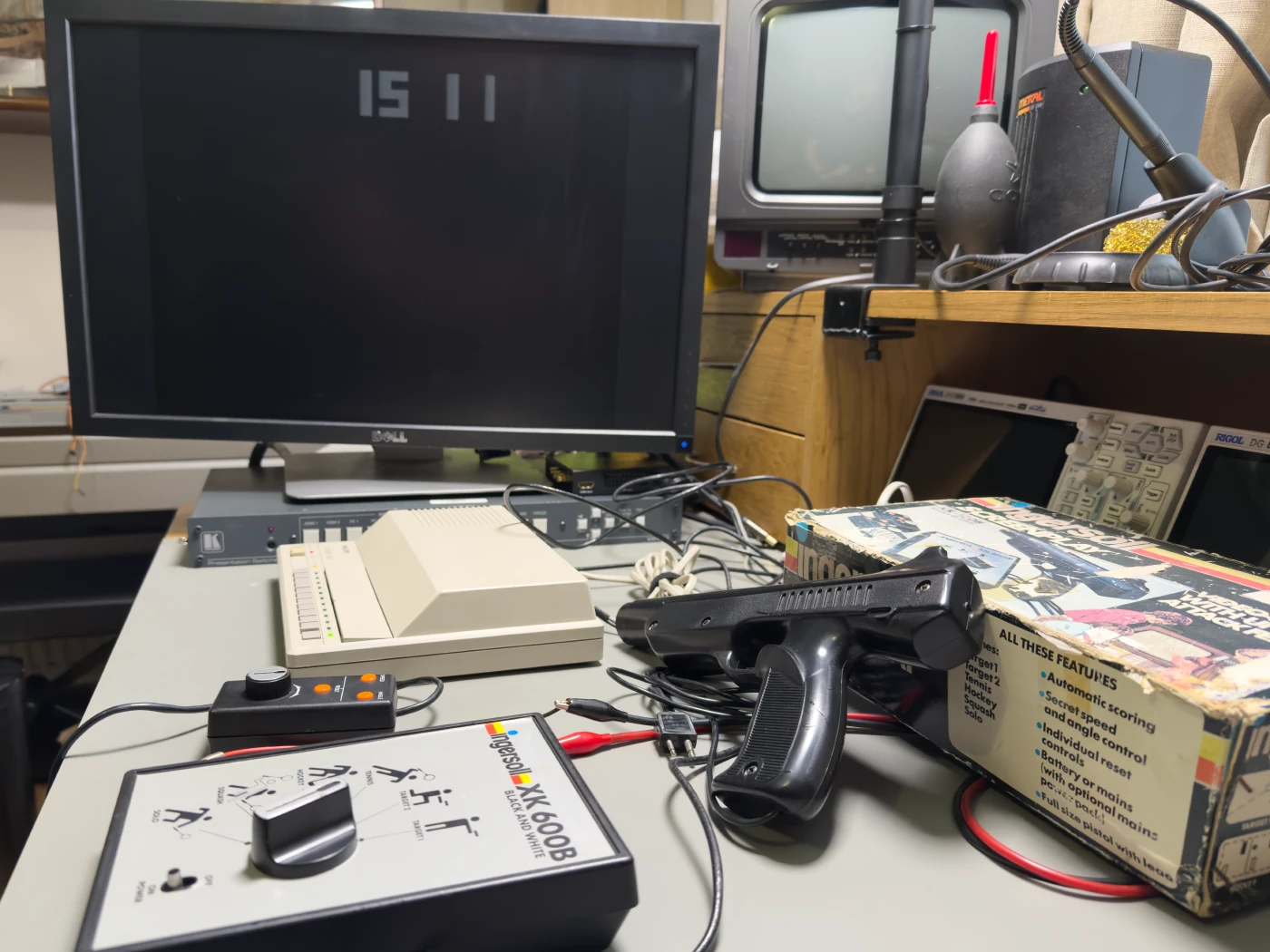
Ingersoll Screenplay XK 600B games console
The Screenplay XK 600B is an early home games console, released in 1977, with six games selected by a dial. It has two hard-wired controllers and a detachable pistol.
The games are:
- Target 1
- Target 2
- Tennis
- Hockey
- Squash
- Solo
It outputs on UHF channel 36. We connected it to the Philips 7300 tuner, which decoded the signal without any trouble and let us play the games again.
We had one of these in the late 1970s, and I still remember playing it on our black and white TV.
Future plans
Now that we have a reliable way to capture most older video formats, we can record videos and take much higher quality screenshots of the vintage computers we are restoring and using.

Comments